Explain one visual change, such as environment, light, wardrobe, styling, or composition, then name the gesture, crop, silhouette, or subject emphasis. Use clearly adult sources with informed consent. Do not use the workflow to create non-consensual intimate content or unauthorized impersonation.
NSFW Image to Image for authorized adult image edits.
SpicyGen’s adult AI image editing workflow starts with a source you have the rights and informed consent to process. Request a change to styling, setting, light, or composition. The result is a new generation, subject to model capabilities.
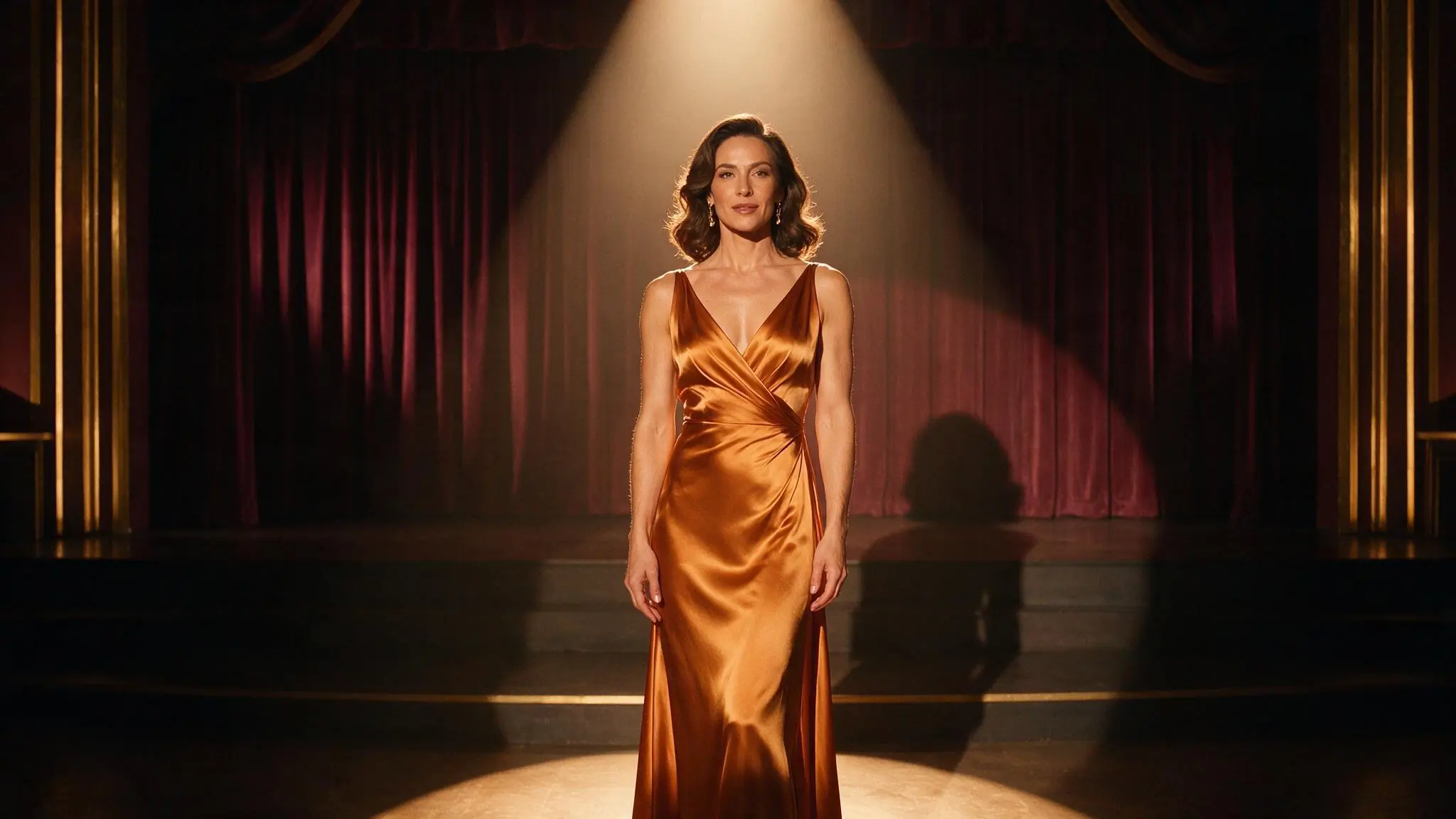
Direct an adult image edit with clear boundaries
Image to Image starts with an authorized adult source. Name one requested change, the quality to retain, and the live controls that support the edit.
- 01
Start with rights and consent for the edit
Use an image with clearly adult subjects and the rights and informed consent required for your edit. Review the source before transforming it.
- 02
State what changes and what matters
Describe the new styling, environment, light, or composition, then identify the visual intention the edited result should retain.
- 03
Review the result
Choose from the live image settings and Credit estimate. A completed saved image can then become a source for Image to Video.
Three editing directions for authorized adult images
Each Image to Image brief pairs one adult creative edit with one visual constraint. Compare wardrobe, setting, and lighting changes while keeping composition or gesture explicit. These are illustrative editing directions, not verified NSFW transformations, exact preservation guarantees, or permission to alter a real person without consent.
Swipe horizontally to explore all three examples.

Restyle an authorized adult portrait
PromptReplace the ivory suit with a deep red tailored jacket; preserve the centered medium portrait, adult subject, gallery scale, and soft daylight.
The transformation and the composition constraint are stated separately.

Move an adult scene to a new setting
PromptMove the scene from a theater to a cool rooftop at night; preserve the central back-facing silhouette and dramatic negative space.
A named silhouette constraint keeps the visual intention explicit without promising exact preservation.
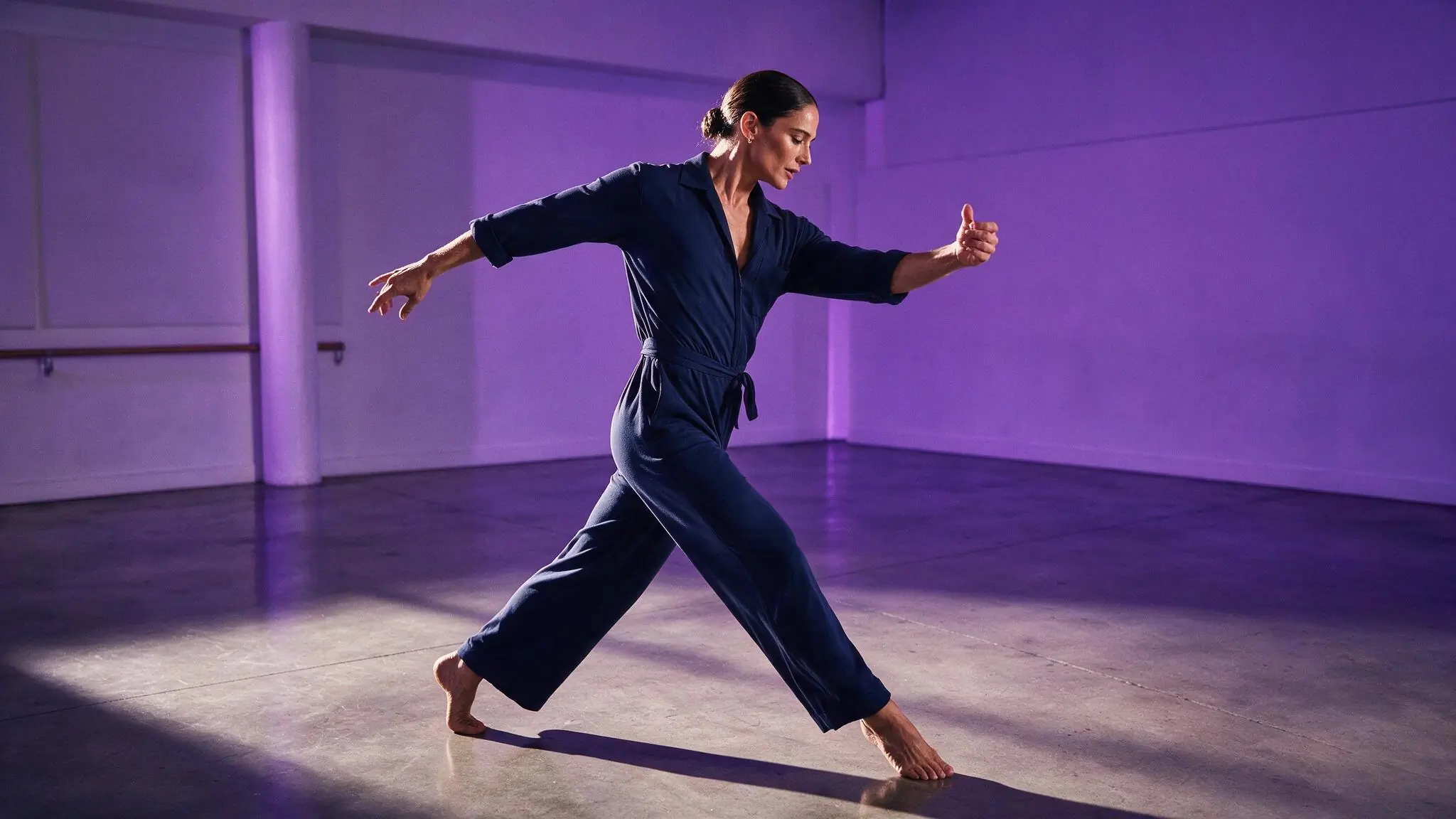
Relight an adult performance image
PromptShift the rehearsal room from violet to warm amber practical light; preserve the adult dancer's open gesture and full-body framing.
The prompt changes one visual system while naming the gesture.
Image to Image settings for authorized adult edits
Choose an available editing model that accepts your adult source. Keep framing stable while comparing edits, use supported controls, and review the Spicy Credits estimate. NSFW positioning does not remove consent requirements or model-specific content rules, and exact source preservation is not guaranteed.
| Goal | Focus on | Why it helps |
|---|---|---|
| Protect the existing composition | Framing close to the authorized source | A similar canvas keeps the requested edit focused on the change instead of a new crop. |
| Change the environment | The destination setting and light | Name the new visual world while keeping the subject and composition constraints explicit. |
| Prepare the result for motion | A clear subject and readable silhouette | A deliberate edited frame can become an easier authorized source for a later video setup. |
| Compare editing directions | Keep model and framing consistent | Changing one prompt decision at a time makes the transformation easier to assess. |
Refine your authorized adult image edit
When an adult image edit misses your intent, separate the change from the qualities that matter. Keep model and framing consistent while revising one transformation, then compare the result with the authorized source. Review clear adulthood, anatomy, and consent for the intended use.
- The source changes too much
- Reduce the number of edits and explicitly name the composition, gesture, or visual anchor to retain.
- The requested edit is barely visible
- Move the main transformation to the start of the prompt and remove lower-priority styling instructions.
- A detail is not preserved exactly
- Treat the result as a new generation and review it carefully; exact source preservation is not guaranteed.
- Successive edits feel inconsistent
- Return to the strongest source and request one consolidated change instead of stacking many transformations.
NSFW Image to Image questions
Practical answers about adult AI creation, model settings, Spicy Credits, account access, and consent.
No exact preservation is guaranteed. The selected model creates a new result from the authorized source and editing prompt rather than changing individual pixels deterministically. Review faces, hands, wardrobe, background, crop, and other important details before saving or using the output in another workflow.
Begin with the authorized adult source and intended edit. Compare live models for accepted inputs, supported content, framing, and controls. Adult AI image editing capabilities and rules can vary by model. Keep the same setup while testing prompt revisions, and confirm the Spicy Credits estimate before each request.
Successive prompts may stack conflicting environments, colors, materials, or composition changes until the original visual intention becomes unclear. Return to the strongest authorized source, combine only the essential edit instructions, and state one constraint that should remain important in the new generation.
Inspect the generator while signed out. Submission requires an authenticated account. Inputs and completed work stay private by default; SpicyGen has no public-gallery control. Service providers process data needed to provide the service. Return here after signing in.
The live Workspace shows estimated Spicy Credits for the selected model and settings before submission. Change either to see the current estimate. Catalog availability and Credit requirements can change. A generation does not grant exclusive or unrestricted commercial-use rights.
Give your authorized adult image a new direction.
For Image to Image, bring an authorized adult source, name one edit, and review the live image setup and Spicy Credits above.